
Google’s free website builder helped plenty of small businesses get online quickly. It was simple, useful, and for many businesses, it did the job well enough.
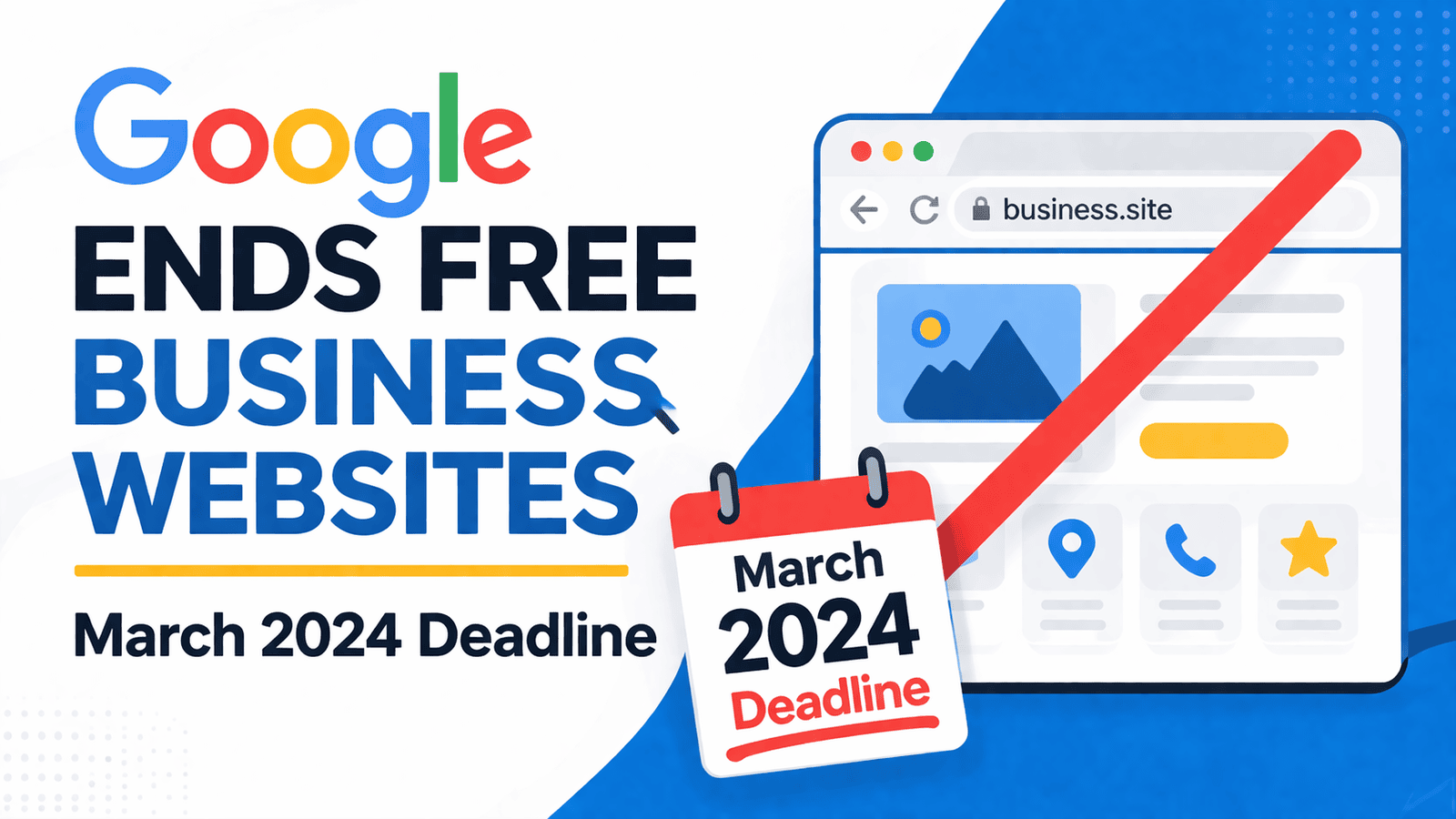
But in March 2024, those free Google-built websites started disappearing. If your website address ended in business.site or negocio.site, this change mattered.
The important bit was not just that the free website was going away. It was that businesses needed to save their content, plan a replacement, and update their details before customers started landing in the wrong place.
What's inside? (TL;DR)
Google’s free business websites stopped working in 2024, which meant affected businesses needed to protect their content and move quickly.
This article explains who was affected, what needed saving, and the practical steps needed to replace the old website without confusing customers.
Useful Sections
What’s Changing
Starting on 1 March 2024, Google redirected visitors from these free websites to Google Business Profiles instead. By 10 June 2024, the websites stopped working completely.
Any custom domain names bought through Google needed to be moved to a new website host.
Who This Affected
Check your website address. Open your site and look at the address bar at the top of your screen.
If you see business.site or negocio.site at the end, this change affected you. This included websites you may have set up through Google Maps or your Google Business Profile.
Keep Your Content Safe
Before making any changes, save everything from your current website.
That includes your text, photos, business details and customer reviews. You may need these for your new website, and it is much easier to save them before something disappears than to wish you had done it afterwards. Funny how often that lesson arrives wearing big boots.
Planning Your New Website
Building an essential business website typically costs between £300 and £1,000. Monthly hosting fees usually range from £5 to £30.
Once web designers have your content, most can build a simple site within two weeks. Online shops, booking systems, and more complex features take longer and cost more.
Updating Your Details
Once you have your new website, update your business information everywhere online.
Start by listing the places where your old website appears. Business cards, email signatures, social media profiles, directory listings, invoices and online adverts may all need changing.
Looking After Your Google Profile
Your Google Business Profile becomes even more important during this kind of change.
Keep it updated with current business hours, fresh photos, accurate contact details, and quick responses to customer reviews. This helps keep your business active and visible in Google Search and Maps.
Steps To Take Now
Start by saving your current website content. Then decide what kind of website you need and set a realistic budget.
Give yourself enough time to update all your business listings before the old site stops working. Test everything properly before switching people over to the new website.
Need Help Finding A Website Designer?
KickstartSEO does not build websites, but we do work with qualified web designers across the UK.
These designers understand small business needs and budgets. Contact us if you need help finding the right person to build your new website.
Can We Help?
Many people end up on our blog because their SEO is not working the way they hoped, and they are trying to work out what to do next. Sound familiar?
A disappeared website is not much use to anyone, unless your business model is hide and seek.
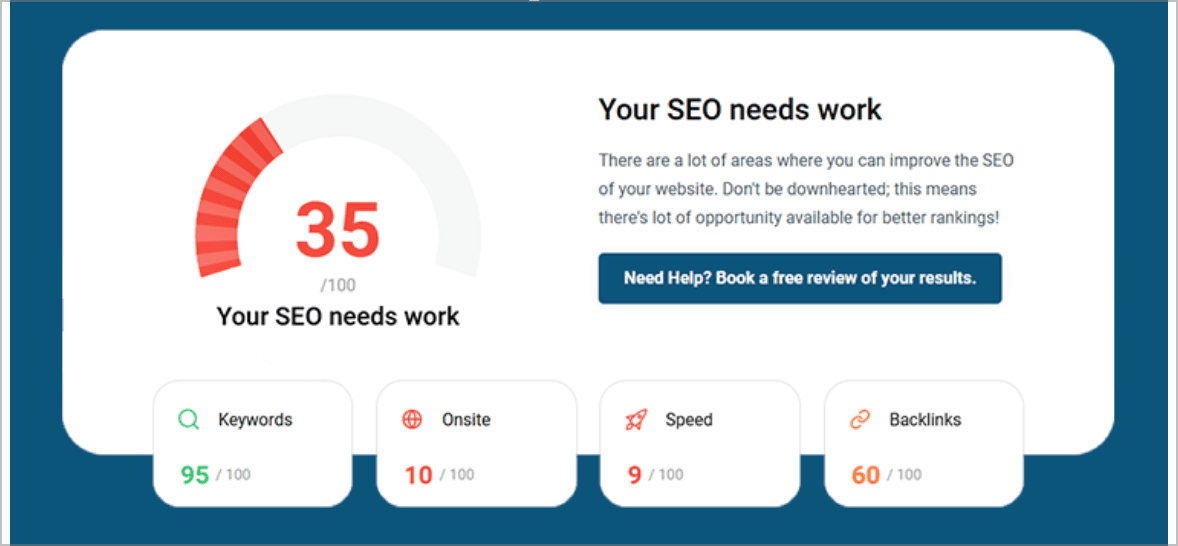
If your old Google business website has gone, or your current website is not doing enough for local visibility, the next step is to find out what Google can actually see, what customers are landing on, and what needs fixing first.