

If you have logged into Google Analytics lately, you have probably noticed it looks completely different.
Google’s GA4 system replaced the old version of Analytics, and for many business owners, that created one very simple question: where did all the useful traffic information go?
The data is still there, but GA4 does not always make it easy to find, understand, or use. That is the problem. Good website traffic data should help you make better decisions, not leave you poking around menus like you are defusing a bomb with oven gloves on.
What's inside? (TL;DR)
GA4 still shows useful website traffic data, but it can be harder to find than it used to be.
This article explains what GA4 tells you about visitors, why setup matters, and how to focus on the numbers that actually help you make better decisions.
Useful Sections
Finding Your Way Around GA4
The old Analytics made it simple to see how many people visited your website. GA4 works differently. It shows you visitor numbers and what people do on your website.
This change helps you spot which parts of your website bring in business and which need work.
What GA4 Shows You About Your Visitors
When someone finds your website through a Google search, GA4 tracks their journey. You can see what search words they used to find you, where they went on your site, and whether they got in touch.
If they return later, GA4 connects these visits to show how people interact with your business online.
This information matters because it shows whether your website attracts potential customers or just casual browsers. The difference can have a serious impact on business growth.
The Challenge Of Setting Up GA4
Getting GA4 to show helpful information is not always simple.
First, you need to connect it to Google Search Console, which is another entirely different system. Then comes the technical part: setting up tracking for essential actions like contact form submissions or newsletter signups.
Many business owners spend hours trying to get this right, only to wonder if they have missed something important.
Understanding Your Traffic
Your website visitors leave clues about whether they found what they needed.
GA4 can tell you if people who find you through Google stay longer than other visitors. It shows whether they look at more pages, get in touch more often, or return to your site later.
But finding these clues in GA4’s complex menus takes time you probably do not have.
Making Sense Of The Numbers
The numbers that matter most depend on your business goals.
If you want more enquiries, you need to track how many people fill out your contact form. For online shops, tracking purchase patterns matters most.
GA4 can help, but it does not always make it easy to focus on what matters to your business.
A Simpler Way To Track Your Website
We included Google Analytics 4 in the KickstartSEO Portal Dashboard because we saw how much time business owners waste trying to understand GA4.
The Portal connects to your GA4 account and turns complex data into clear, useful information.
Instead of spending your evening clicking through GA4’s endless menus, you can see your important numbers on one screen.
Want to know if your latest blog post brought in visitors? Looking to see if your contact page is working? Need to check if your SEO efforts are paying off?
It is all there, updated daily, in plain English.
Save Time And Stay Informed
Think about how much time you currently spend trying to figure out GA4. An hour each week? More?
The KickstartSEO Portal gives that time back to you. You get a month of clear, actionable website information for less than the cost of an hour’s consultancy.
Our Optimiser Essentials and Optimiser AI Programmes include full access to the Portal and the tools you need to improve your website’s performance in search results.
You can see what works and what does not without needing to become a GA4 expert.
Can We Help?
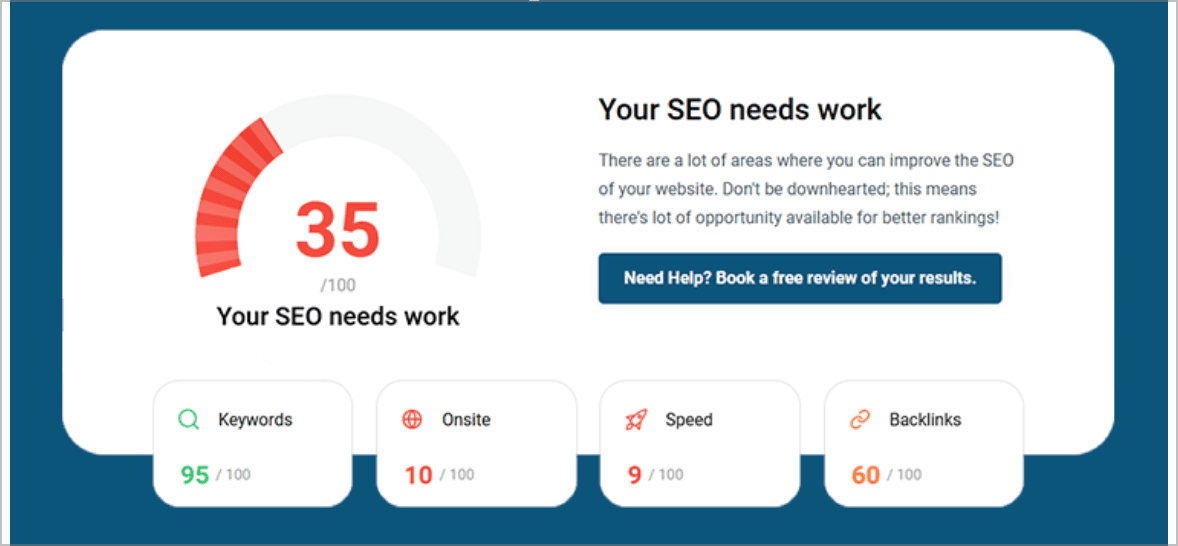
Many people end up on our blog because their SEO is not working the way they hoped, and they are trying to work out what to do next. Sound familiar?
GA4 should help you understand what is happening on your website, not give you another dashboard-shaped headache.
If your traffic data feels unclear, or you are not sure whether your SEO is actually creating useful visits and enquiries, we can help you separate the useful signals from the digital fog.