At the end of last week, we published a rundown of Google’s new Platform Properties feature in Google Search Console.
In that article, I explained what the new reporting may help us understand, what it does not tell us yet, and why we are treating it as a useful development rather than the second coming of SEO.
I also promised a follow-up explaining how to set it up. This is that guide. Man of my word, me.
What's inside? (TL;DR)
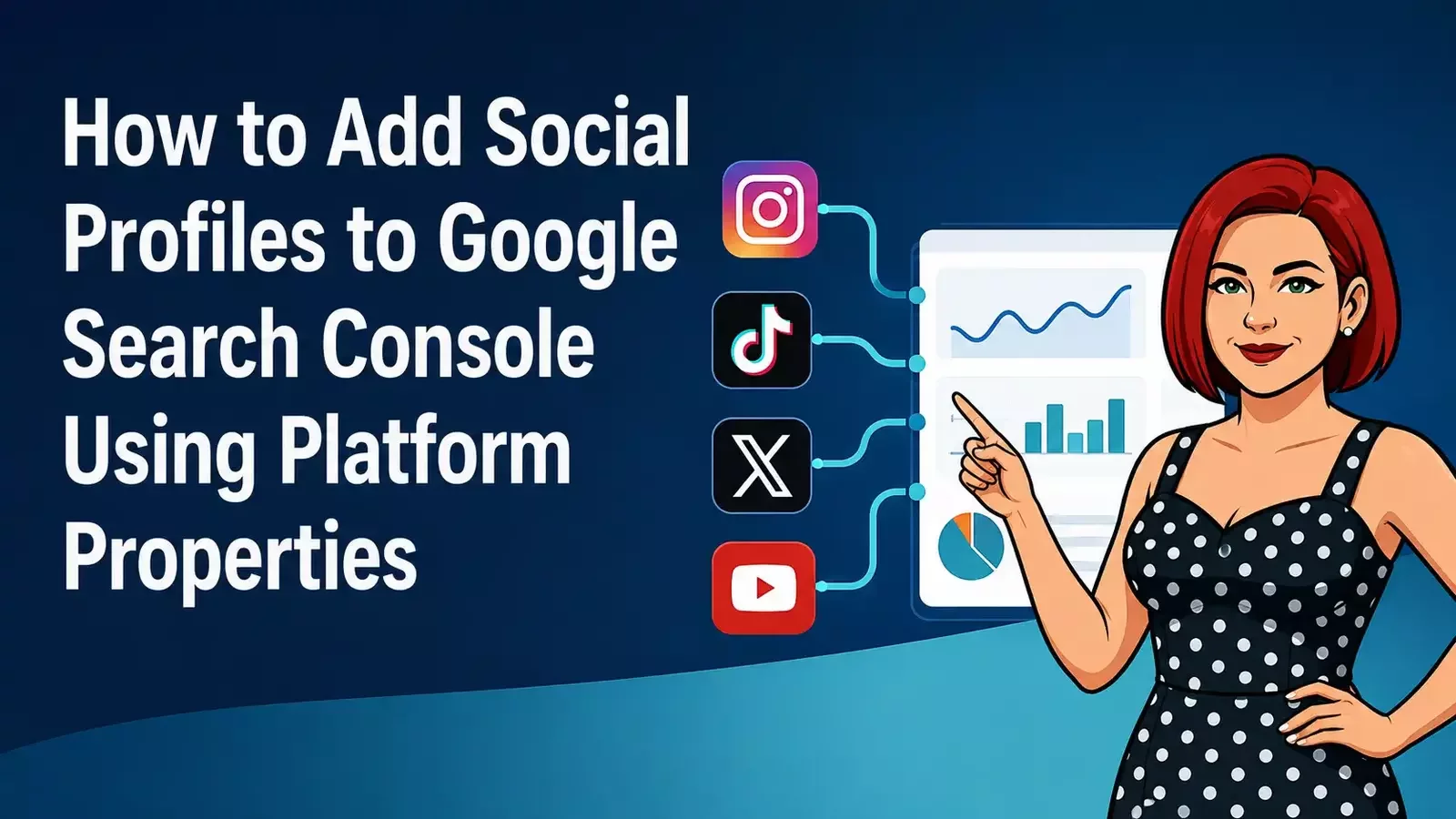
This guide explains how to add Instagram, TikTok, X and YouTube accounts to Google Search Console as Platform Properties.
It also covers what the reports measure, what to check during the first month and which conclusions would be premature.
Useful Sections
Estimated reading time:
8 minutes
I had to set up our own Platform Properties anyway, and since I already had the research in hand, well, why not share it? It’s how I roll.
The setup is fairly straightforward. You do not need to edit your website, add code or start fiddling with DNS records. You will need access to the social account you want to connect, and you may need to log in or approve the connection.
One warning before we begin: Google is still rolling Platform Properties out gradually. If the option does not appear in your Search Console account yet, you may not have done anything wrong. You may simply need to wait for Google to catch up with its own announcement.
Who Needs to Follow This Guide?
If you are an Optimiser Premium client, you do not need to do anything. We are handling the setup as part of your fully managed SEO service.
Optimiser Essentials and Optimiser AI clients can use the steps below to connect their own social profiles.
The guide should also help anyone else who manages their own Google Search Console and wants to see how their social content is appearing across Google.
What Are Platform Properties?
A property is simply Google Search Console’s name for something you can monitor.
Until now, that has usually meant a website. Platform Properties allow you to add supported social media accounts and video channels as separate properties inside Search Console. Google’s official Platform Properties guidance explains how each account or channel is treated as its own property.
At launch, the supported platforms are:
Instagram
TikTok
X
YouTube
Facebook, LinkedIn and Threads are not currently supported. That may change, but Google has not announced them yet.
Each account or channel is added separately. If you manage two YouTube channels, for example, each one needs its own Platform Property.
What Do They Actually Measure?
Platform Properties show how your social and video content performs when people find it through Google.
The reports may include information from Google Search, Discover and Google News, depending on where your content appears.
You may see:
clicks
impressions
average click-through rate
average search position
search queries
countries
devices
individual posts, videos or content URLs
This does not replace the analytics inside Instagram, TikTok, X or YouTube.
Search Console will not tell you how many people saw a video while scrolling through TikTok or how many people viewed an Instagram post inside the Instagram app. It reports what happens when that content appears across Google.
So, this is another useful source of information. It is not one enormous dashboard containing everything your social accounts have ever done.
Shame, really. That would have been tidy.
Do You Already Have Google Search Console?
If you already use Google Search Console for your website, add the new Platform Properties to that same account. They will appear alongside your existing website properties in the property selector.
You do not need a separate Search Console account for Instagram, TikTok, X or YouTube. Each social account is added as an individual property inside the same account.
If you do not currently use Search Console, you will need to set it up first. Sign in with the Google account you want to use, add your website as a property and complete Google’s ownership verification process.
Once that is done, you can return to the property selector and add your supported social accounts.
A Quick Check for Optimiser AI and Essentials Clients
Not sure whether you already have access to Google Search Console?
Open your KickstartSEO Dashboard and look at the Traffic Stats box. If everything is connected correctly, you should see four metrics:
two from Google Search Console
two from Google Analytics
If all four metrics are showing, your website is already connected to Google Search Console and linked to your KickstartSEO account.
In some cases, KickstartSEO may have configured the connection for you. If you are genuinely unsure which Google account was used, email us and we’ll crack the code.
We’re happy to help.
Once you have confirmed the correct account, use that same Google Search Console account when adding your new Platform Properties.
What You Need Before You Start
Before opening Search Console, make sure you have:
a Google account you can use for Search Console
access to your existing Search Console account, if one has already been set up
login access to the social account or video channel
permission to verify or authorise that account
access to any two-factor authentication method connected to the account
pop-ups enabled if your browser blocks the login window
It is worth checking that you are logged into the correct social account before starting.
Accidentally connecting the Instagram profile you created for your dog in 2018 will give you data, but perhaps not the data your business needs.
How to Add a Platform Property
1. Open Google Search Console
Sign in using the Google account where you want the new property to appear.
Platform Properties are added through the same property selector used to move between websites and accounts.
2. Open the Property Selector
Look towards the top-left corner of Search Console.
Click the property selector showing the website or property you currently have open. A list of the properties already connected to your Google account should appear.
3. Select “Add Property”
Scroll to the bottom of the list and click Add property.
Google should then display the available website and platform options. Google’s instructions for adding a website or platform property confirm that this begins through the property selector.
If you can only see the traditional Domain and URL-prefix choices, Platform Properties may not have reached your account yet. It rolled out UK-wide on 30 July 2026.
There is no switch you can flick to force it into existence.
4. Choose the Platform
Find the platform you want to connect and click Add next to it.
The supported options are Instagram, TikTok, X and YouTube.
You will need to repeat the process for each account or channel. They do not bundle themselves together automatically.
5. Follow the Verification Steps
Google will guide you through the ownership verification process.
You may be asked to:
log in to the relevant platform
choose the correct account or channel
approve the connection
confirm that you have permission to manage the account
Read the permission screen before approving it, as you should whenever connecting two online services.
Adding the property does not change your website or social account. It simply allows Search Console to report how that content performs on Google.
6. Complete the Setup
Once Google has verified the account, you should see a confirmation message.
Click Go to property to open it.
The new Platform Property should then be available through the normal property selector whenever you return to Search Console.
7. Repeat for Other Accounts
Repeat the process for each platform account or channel you want to monitor.
Multiple accounts on the same platform need separate properties. A personal YouTube channel and a company YouTube channel, for example, would be treated as two different properties.
Why Is the Report Empty?
Do not panic if you open the new property and find very little there. Google says it can take a few days to collect and process the information. Newly created properties may initially show empty or partial charts.
You should not expect a complete historical record either. The property begins collecting information from the point it was added. Give it some time before drawing conclusions.
Three impressions and one click are technically data. They are not yet a strategy.
Keep the Connection Active
Google periodically checks that you still control the connected account.
If the social platform login expires or the connection is lost, access to the Platform Property may pause until you verify it again.
If a report suddenly stops updating, check the connection. This is particularly worth doing after changing passwords, administrators or account permissions.
What Should You Look at During the First Month?
Give the reports time to settle before making any major decisions.
Then look at three things.
What Is Google Showing?
Check which posts, videos, Reels or Shorts are earning impressions.
An impression means the content appeared in Google. It does not mean someone clicked it, but it does show that Google considered it relevant enough to display.
Over time, this may reveal which subjects and formats Google is willing to surface.
Which Searches and Formats Are Working?
The query report may show the words people searched before finding your content.
Look for searches that:
appear regularly
closely match your services
reveal a real customer question
perform better than expected
suggest something your website does not cover properly
Do not focus only on the largest numbers. A smaller search from someone who may actually need what you sell can be far more useful than a broad phrase producing impressions and little else.
You can also compare similar formats, such as YouTube Shorts against standard videos or Instagram Reels against standard posts. Google’s Platform Properties launch announcement confirms that users can review which posts and queries are driving traffic.
The point is not to declare a winner after a fortnight. It is to spot patterns worth testing.
What Deserves More Attention?
A social post earning steady Google visibility may be worth turning into:
a full website article
a longer video
a Frequently Asked Question
a follow-up post
an updated section on a service page
content for another platform
Social content is often published, viewed briefly and then forgotten. This report may help identify ideas with a longer shelf life.
Is the Visibility Producing Anything Useful?
Impressions and clicks are helpful, but they are not the final objective. Ask what happened next.
Did people:
visit the business profile?
watch more content?
search for the brand?
visit the website?
make an enquiry?
engage with related content?
Search Console will not answer all those questions by itself. You will need to compare it with your platform analytics, website analytics and actual business results.
Another dashboard is not a substitute for judgement. It is simply one more place to find evidence.
What Should You Avoid Concluding?
Platform Properties are new, and Google’s tools have a habit of changing after launch. Sometimes quietly. Sometimes with labels moving around just enough to make yesterday’s instructions mildly irritating.
For now, we should avoid claiming that the reports prove:
social media activity directly improves website rankings
every impression represents a valuable potential customer
one successful post defines your entire content strategy
the platform with the most impressions deserves all your attention
Platform Properties provide a complete view of social media performance
Like so much of what we are seeing in 2026, we do not yet know what we do not know.
I am hopeful that Platform Properties will add value to your SEO strategy and reporting. They may help us spot which social content is being found through Google, which searches are driving that visibility and which ideas deserve more attention.
But they may also end up being the next Google Plus.
That is why we are setting them up, watching the data and resisting the urge to call them revolutionary before they have earned the title.
How KickstartSEO Clients Should Use Platform Properties
Optimiser Premium
Platform Property setup is being added to your SEO strategy at no additional charge. Because Optimiser Premium is fully managed, we will handle the setup and review the information alongside the rest of your search visibility data.
Optimiser AI
Set up the accounts you actively use and give the reports time to collect some useful information.
Once you can see which searches and posts are gaining traction, we can use that information to shape future content and decide which ideas are worth turning into something bigger.
Optimiser Essentials
Follow the steps in this guide to connect your accounts. If the option is not available, check again later because the rollout may not yet have reached you. If verification fails or an account will not connect properly, use the KickstartSEO Portal to ask for support.
The Setup Is the Easy Part
Adding a Platform Property should not be particularly difficult once the feature appears in your account.
The useful work begins afterwards.
Platform Properties may help us understand which social content Google is showing, which searches are leading people to it and which ideas deserve more attention.
They may also produce another collection of numbers that look interesting but do not change a single sensible business decision.
For now, connect the accounts you actively use, let the information accumulate and resist the urge to build a strategy around the first promising-looking graph.
Can We Help?
Many people end up on our blog because their SEO is not working the way they hoped, and they are trying to work out what to do next.
Sound familiar?
Not Sure Whether Platform Properties Will Add Anything Useful to Your SEO?
Connecting the accounts is easy. The harder part is deciding which numbers matter, what deserves attention and whether the information supports a sensible next move.
The best place to start is with a free SEO audit. We’ll look at what is happening, what is holding you back, and what the next sensible step should be.