

Everyone has seen a 404 page.
You click a link expecting something useful, and instead you get an error telling you the page cannot be found.
Not exactly a warm welcome.
A 404 usually means a page has been removed, renamed, moved, or broken. Sometimes that is harmless. Websites change. Old pages get retired. Services move. Blog posts get updated.
The problem starts when pages are deleted or moved without a plan.
That leaves a hole in your website.
And if that hole sits on an important page, an old blog post, a service page, or a URL with external links pointing at it, you may not just have a technical issue.
You may have visitors walking straight out of the door.
This often happens during website rebuilds, when old URLs are changed or removed without being mapped to their new versions.
What's inside? (TL;DR)
Broken pages are not just annoying. This article explains what 404s and 301s mean, when to use each one, and why broken URLs can affect users, SEO, and AI search visibility.
It also covers how KickstartSEO clients see 404 issues in the Portal, what to check before deleting pages, and why redirects matter before launching a new website.
Useful Sections
Estimated reading time:
12 minutes
What Is A 404 Page?
In plain English, the browser asks your website for a page, and your website replies:
“Sorry, nothing here.”
That can happen when:
a page has been deleted
a URL has changed
a blog post has been removed
a link has been typed incorrectly
another website links to an old address
an internal link still points to a dead page
a website rebuild has changed the URL structure
One 404 is not a disaster.
Some 404s are normal. Google is not going to send a small man in a black coat to tap on your window because one old page no longer exists.
But when important pages break, or lots of broken URLs build up over time, it starts to matter.
Visitors hit dead ends. Search engines waste time crawling missing pages. Old links lose their value. The site feels neglected.
That is when a 404 stops being a small technical hiccup and becomes a visibility problem.
What Is A 301 Redirect?
A 301 redirect sends visitors and search engines from an old URL to a new one.
It tells them:
“This page has permanently moved. Go here instead.”
For example, if your old page was:
/old-service-page
and the new version is:
/new-service-page
a 301 redirect automatically sends people from the old address to the new one.
Done properly, the visitor never sees the error. They land on the most relevant replacement page and carry on.
That is the point.
You may also hear about 302 redirects. A 302 is usually used for temporary moves. For this article, we are mainly talking about 301 redirects because most deleted, renamed, or permanently moved pages need a permanent redirect.
A 301 redirect is not exciting. Nobody is making a Netflix documentary about redirect management.
But it keeps your website tidy, useful, and easier for search engines to understand.
404 Or 301: Which One Do You Need?
This is where people often make a mess.
A 404 is not always bad.
A 301 is not always the answer.
Use a 301 redirect when a page has a clear, useful replacement.
For example:
a service page has moved to a new URL
two similar pages have been merged
an old blog post has been replaced by a better version
a page has been renamed
a website rebuild has changed your URL structure
In those cases, redirect the old URL to the closest relevant new page.
Not the homepage by default.
That is important.
Redirecting every broken page to the homepage may look tidy, but it is often unhelpful. If someone clicked a link expecting a specific service or article, dumping them on the homepage can feel like being dropped in a supermarket car park and told to “work it out from here”.
Use a proper 404 when the page is genuinely gone and there is no useful replacement.
For example:
a temporary page has expired
an old offer is no longer available
a test URL was indexed by mistake
a spam URL never existed
the old content should not be replaced
The decision is simple enough:
If there is a relevant replacement, redirect it.
If there is not, let it 404 properly and make sure the 404 page is helpful.
What Not To Panic About
Not every 404 error is a crisis.
Some broken URLs are caused by old spam links, mistyped addresses, temporary pages, or pages that should no longer exist.
You do not need to chase every single 404 like it has personally insulted your family.
Focus first on:
important service pages
pages with traffic
pages with backlinks
pages linked from your own website
URLs that appear repeatedly in reports
pages that should clearly have a replacement
That is where the useful work usually starts.
Why Broken Pages Hurt The User Experience
Most visitors will not investigate your website like a detective with a strong coffee and a quiet afternoon.
They click. They judge. They leave.
If they land on a broken page, they may think:
the business no longer offers that service
the website is out of date
the company is not paying attention
they have landed in the wrong place
it is easier to go back to Google and choose someone else
Some people may use your navigation and find another way through.
Many will not.
That is why broken pages matter. They interrupt trust at the exact moment someone was trying to engage with your business.
Why 404 Errors Can Hurt SEO And AI Search
Broken pages are not just a user experience problem.
They can also affect how search engines understand your website.
Search engines crawl websites by following links. If they keep finding broken pages, missing content, poor redirects, or dead ends, that creates noise. It makes the site harder to crawl, harder to understand, and harder to trust.
That does not mean one 404 will ruin your rankings. It will not.
The problem is pattern and importance.
A broken page matters more when:
it used to rank in Google
it had backlinks from other websites
it received useful traffic
it was linked from your own navigation or blog content
it covered an important service, location, product, or topic
it should clearly have a replacement page
When a valuable page disappears without a redirect, you may lose more than the page itself. You may lose the relevance, authority, and user pathway connected to it.
That matters for traditional SEO.
It also matters for AI search.
AI search systems and answer engines rely on clear, accessible, well-structured information. If your useful content has been removed, moved badly, or hidden behind broken URLs, you are making it harder for those systems to understand what your business does and when you should be considered relevant.
Search visibility is not only about having good content.
It is also about keeping that content accessible.
A brilliant page that now returns a 404 is not doing much for you. It is the digital equivalent of putting your best salesperson in a locked cupboard.
Custom 404 Pages: Your Safety Net
A standard 404 page is usually cold, bland, and unhelpful.
Something like:
“404 error. Page not found.”
Lovely. Really rolls out the red carpet.
A custom 404 page gives you a chance to recover the moment.
It should:
explain what has happened
sound like your brand
avoid blaming the visitor
offer clear next steps
include useful navigation
help people get back to live content
A custom 404 page does not fix the underlying issue. You still need to sort broken links and redirects.
But it does stop a mistake from feeling like a brick wall.
Our 404 Page
Our own 404 page is designed to feel like KickstartSEO, not a system error from 2004.
It keeps the full website header and footer, so visitors are not stranded. It includes two clear buttons: one back to the homepage and one to the blog.
The message starts with:
“Well, this is awkward. That page has done a runner.”
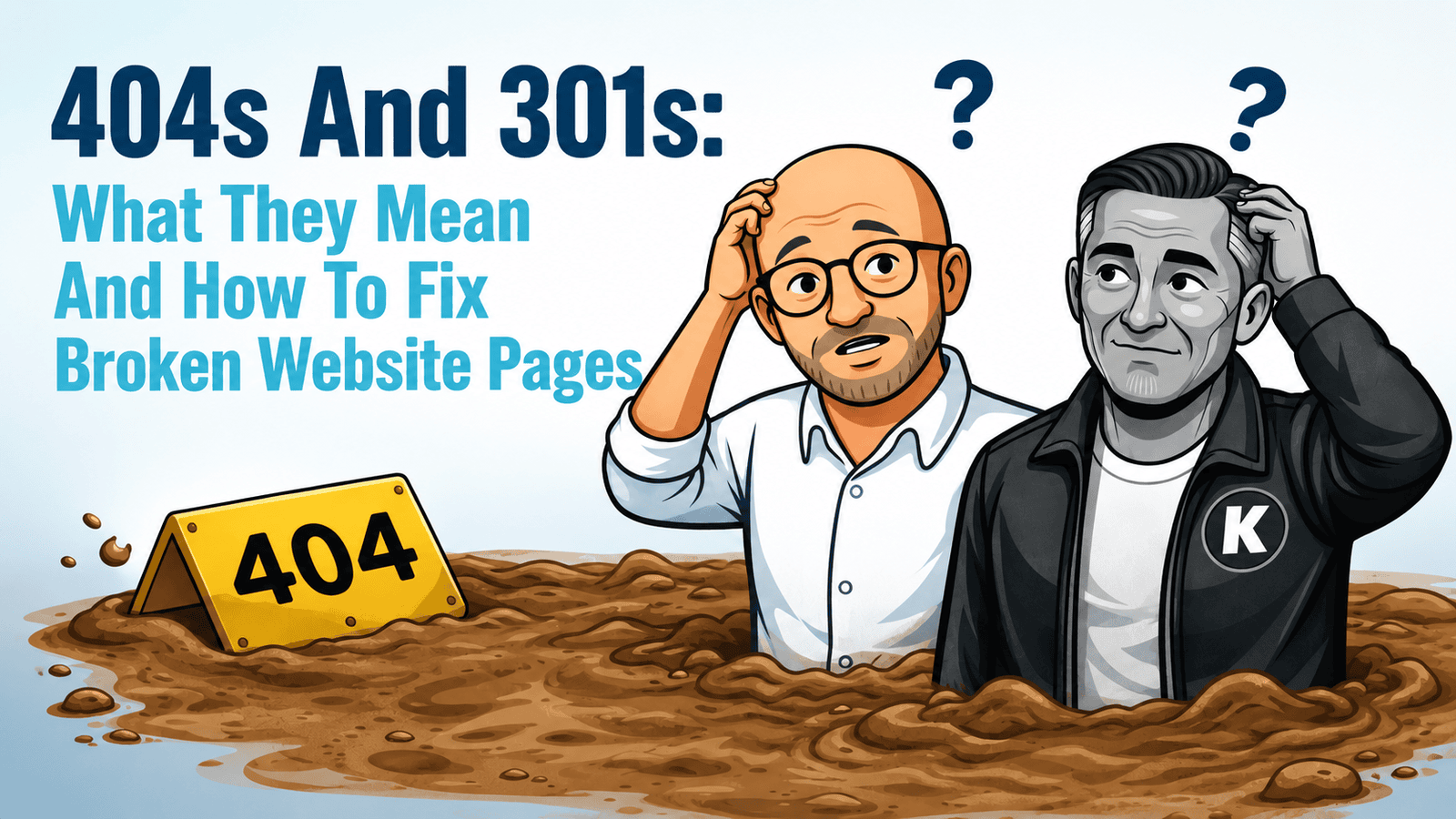
The graphic shows Michael and Norman stuck in 404 quicksand.
The page explains that the content has either moved, been removed, or decided it had better places to be. Then it points visitors back towards useful content.
It is basically a satnav for broken dreams.
And that matters.
Even when something goes wrong, the experience still belongs to your brand.
Where KickstartSEO Clients Will See 404 Errors
If you use the KickstartSEO Portal, 404 errors can appear on your Actions page. Note that we blurred the domain to protect the innocent client who didn't know we were using it.

That means Norman has spotted a broken page that needs attention.
The action will usually show the affected URL, so you can see which page is causing the issue. Once the problem has been fixed, Norman will run a quick audit and clear the error from the portal.
The process is simple:
the issue is identified
the action appears in the portal
the broken page or redirect is fixed
Norman checks it again
the error is cleared
No drama. No guesswork. No need to go rummaging through technical reports like you have accidentally joined the website plumbing trade.
For Optimiser Premium clients, we will usually handle this as part of the managed service. For other clients, the portal gives you a clear heads-up so you can speak to your web designer or take the right action yourself.
The Bit Norman Cannot Magically Fix
Norman, KickstartSEO’s AI-powered SEO strategist, can analyse, identify, prioritise, and recheck numerous SEO issues.
But he cannot magically stop a page from breaking after someone deletes it without a redirect.
That still needs a practical fix.
Sometimes that fix is a 301 redirect. Sometimes it is updating an internal link. Sometimes it is asking your web designer to tidy up the site structure. Sometimes it is deciding that a page can stay as a 404 because there is no suitable replacement.
The important bit is not ignoring it.
One broken page becomes ten. Ten becomes fifty. A site rebuild changes the URL structure. Old internal links keep pointing to missing pages. External links send visitors to dead ends.
Before long, you are not dealing with one broken page.
You are dealing with a messy website.
Nobody needs that. Life is short enough.
How To Fix 404s And 301 Redirects
The right fix depends on your website platform, your hosting setup, and how the page broke in the first place.
But the basic process is straightforward.
First, find the broken URLs.
You may see them in:
your SEO tools
a website crawl
the KickstartSEO Portal
analytics reports
manual checks during a website review
Next, decide what should happen to each one.
Ask:
does this page have a clear replacement?
is there a newer version?
should it redirect to a relevant service, category, or article?
should it stay as a 404 because there is no useful replacement?
are there internal links that need updating?
Then apply the correct fix.
If the page has moved permanently, use a 301 redirect.
If the page is genuinely gone and there is no good replacement, leave it as a proper 404 and make sure your custom 404 page is useful.
If the broken link is internal, update the link at the source as well. Redirects are useful, but they should not become a permanent excuse for untidy internal linking.
Common Mistakes To Avoid
Most 404 and redirect problems are not caused by bad intentions. They are caused by quick fixes that were a bit too quick.
Common mistakes include:
redirecting every broken page to the homepage
deleting old blog posts without checking whether they still get traffic
changing URLs during a website rebuild without creating a redirect plan
relying on a plugin without understanding what it is doing
leaving old internal links pointing at broken pages
creating redirect chains, where one redirect points to another redirect
ignoring 404 errors because “the page is gone anyway”
The aim is not to redirect everything.
The aim is to make the next step useful.
If the old page has a relevant replacement, use a 301 redirect. If it does not, let it 404 properly and make sure the 404 page helps people recover.
Should You Fix This Yourself?
Sometimes, yes.
If you are comfortable with your website platform and the issue is simple, you may be able to set up redirects yourself.
WordPress has plugins that can help. Some are decent. Some are loaded with bloat and seem determined to bring half the internet with them.
My preferred option is WP 301 Redirects Pro.
It is built specifically for managing redirects, monitoring 404 errors, and helping WordPress site owners send visitors from broken or old URLs to the right replacement pages.
That is what I like about it. It does the job it is there to do, without turning redirect management into a full-time hobby.
You can find it at WP 301 Redirects Pro.
As with any WordPress plugin, still do your homework before installing it. Check compatibility, keep it updated, and make sure you understand what each redirect is doing before you start pointing URLs all over the place like a caffeinated traffic warden.
But if you are not sure, speak to your web designer.
In most cases, that is the sensible route.
A good web designer should be able to help you set up redirects properly, check broken links, and make sure your 404 page behaves as it should.
Some Website Platforms Make This Easier Than Others
Shockingly, some of the best content management systems for managing redirects are Wix, Squarespace, and Zoho Sites.
Yes, I said it.
The platforms that some people like to look down on can actually make this job much easier for small business owners.
They have built-in tools for managing redirects that do not take a degree, a server login, or a nervous conversation with an .htaccess file to understand.
Jargon alert: an .htaccess file is a server configuration file often used on Apache web servers to control things like redirects, access rules, and how certain URLs behave. In plain English, it is powerful, useful, and very easy to mess up if you do not know what you are doing.
That matters.
For many small businesses, the best website platform is not the one with the most technical flexibility. It is the one that lets you manage important jobs without breaking something else.
WordPress can absolutely handle redirects, but it often relies on plugins. Some are excellent. Some are bloated. Some are abandoned. Some do twelve things when you only needed one.
So if your website platform has a simple built-in redirect tool, use it.
Simple is not amateur.
Simple is often what keeps the job from being ignored.
Launching A New Website? Plan Your Redirects Before Launch Day
A new website is one of the most common times for links to break.
Pages get renamed. Old service pages disappear. Blog URLs change. The website structure gets tidied up. Everyone is focused on how the new site looks, and the old URLs quietly get forgotten.
That is how a shiny new website launches with a trail of broken links behind it.
Before launch day, make sure there is a redirect plan.
That means mapping important old URLs to the most relevant new URLs, so visitors and search engines are sent to the right place instead of landing on a 404 page.
Your web designer should be able to help with this.
At minimum, they should check:
old service page URLs
old blog post URLs
high-traffic pages
pages with backlinks
navigation links
URLs indexed by Google
any URLs used in adverts, email campaigns, brochures, or social posts
A new website should not mean starting again from scratch in search.
Done properly, redirects help preserve useful signals, protect the user journey, and stop your big launch from turning into a technical treasure hunt with no prize.
Before You Delete A Page, Check This
Before removing a page, ask three simple questions:
- First, does anyone still visit it? Check whether the page gets traffic from search, social, email, referrals, or direct visits.
- Second, does anything link to it? Look for internal links from your own site and external links from other websites.
- Third, is there a better page to send people to? If there is, use a 301 redirect. If there is not, a helpful 404 page may be the better answer.
This is the bit that prevents most of the mess.
Deleting a page takes seconds. Cleaning up the damage can take much longer.
A Note For Optimiser Premium Clients
If you are an Optimiser Premium client, leave it with us. Fully managed means fully managed.
If a 404 error appears in the KickstartSEO Portal, we will review it, decide whether a redirect is needed, and help get it sorted properly. Once the issue is resolved, Norman will run a quick audit and clear the error.
But you can still help by speaking to us before deleting or moving a page.
That gives us the chance to check whether the page matters, where it should go next, and whether a redirect is needed.
It is much easier to prevent broken pages than clean up a mess after the fact.
Final Thought
404s and 301s are not the shiny side of SEO.
But they matter because they affect real people trying to use your website, and they affect how search engines and AI systems understand your content.
A 404 is a dead end.
A 301 is a signpost.
A custom 404 page is a safety net.
Don't forget about the temporary redirects, 302 and 307. The far less exciting cousins of 301's.
And a sensible redirect process is one of those quiet technical details that keeps your website useful, trusted, and easier to understand.
Ignore broken pages for long enough and they stop being a small website issue. They become lost trust, lost traffic, and lost opportunity.
That is the real problem.
Not the error code.
The people who never get where they were trying to go.
Can We Help?
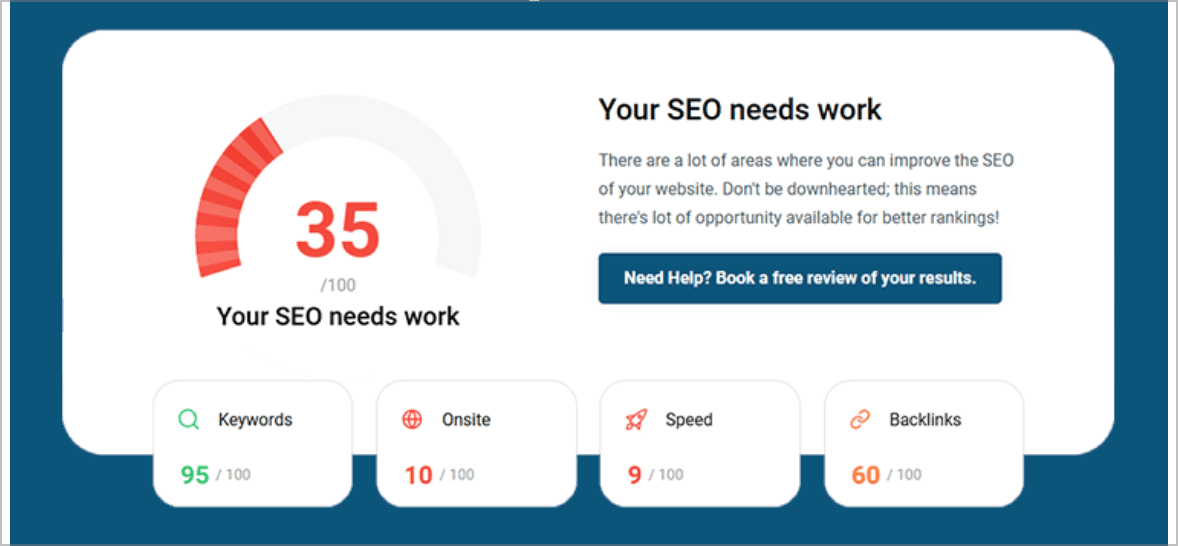
Many people end up on our blog because their SEO is not working the way they hoped, and they are trying to work out what to do next.
Sound familiar?
Broken pages are rarely dramatic at first, but they are worth sorting before they start costing you traffic, trust, and enquiries.
If your website has old URLs, 404 errors, or redirect issues, the sensible first step is to find out which ones actually matter and what should be fixed first.