

Look, here’s something that has been driving me mad lately, and it is probably costing websites rankings without business owners even knowing it.
A page can have decent content, useful advice, and a clear message, but if the headings are a mess, Google and readers both have to work harder than they should. That is rarely a winning strategy. Search engines may be clever, but they are not mind readers. Not yet, anyway.
The problem usually starts innocently enough. Someone writes a good page, opens their CMS, pastes the content in, and uses bold text instead of proper heading tags. It looks close enough on screen, so job done.
Except it is not quite job done. It is job nearly done, then quietly sabotaged by formatting.
What's inside? (TL;DR)
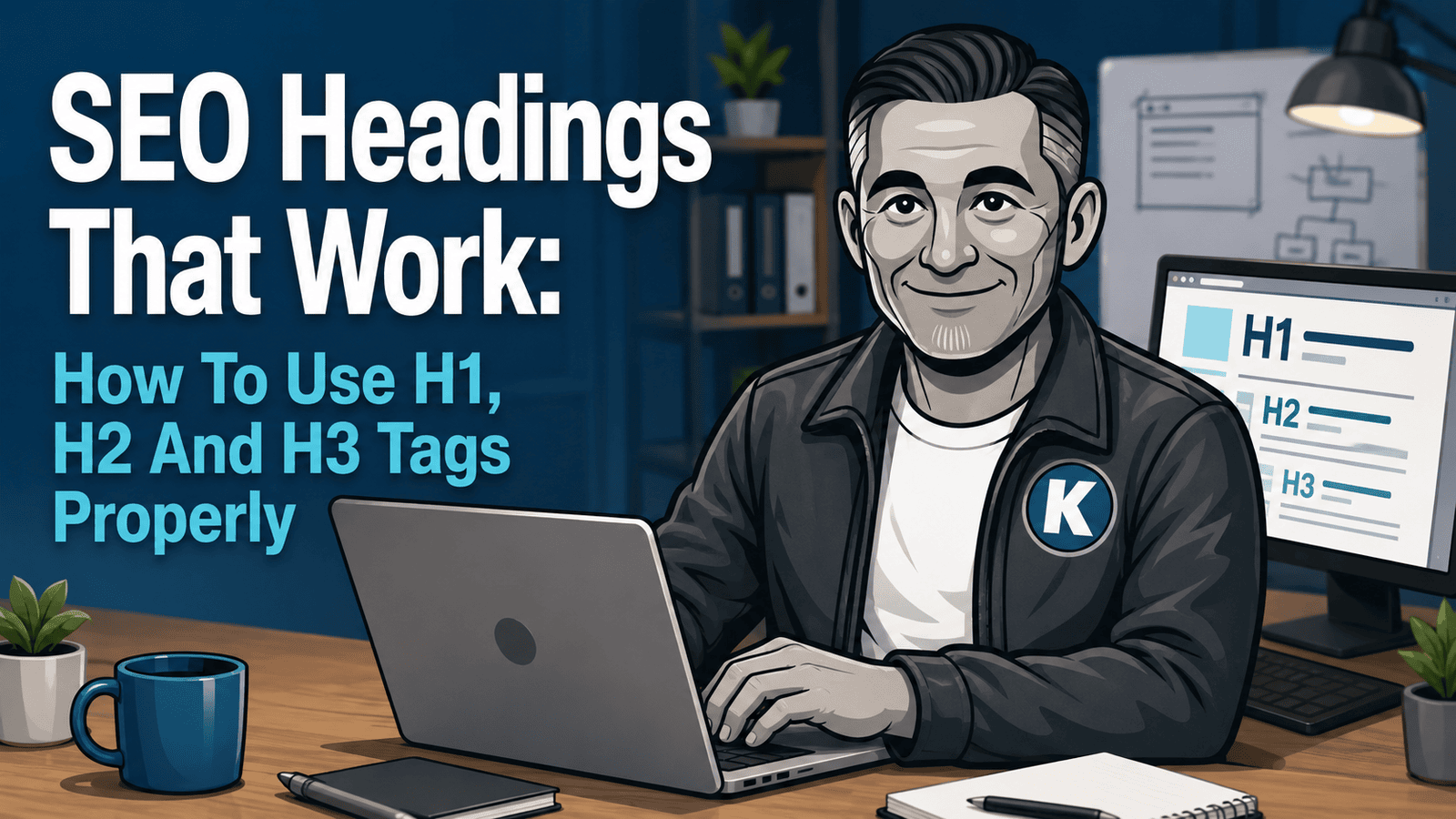
This article explains how H1, H2 and H3 tags help readers and search engines understand your content.
It covers the common heading mistakes that quietly damage otherwise decent pages, then shows how to structure blogs, service pages and location pages properly.
Useful Sections
Estimated reading time:
7 minutes
The good news is that heading tags are not complicated once you understand what each one is meant to do. The bad news is that plenty of websites still treat them like decorative formatting.
That is where things go sideways. Headings are not just there to make text bigger. They give your page structure, help people scan quickly, and give search engines a clearer map of what the page is actually about.
Understanding How H-Tags Actually Work
Before we get into the practical stuff, let’s make sure we are all on the same page about what H-tags actually do.
Think of H-tags as the table of contents for each page on your website. Just like a well-organised book, your content needs clear chapter headings, section breaks, and supporting points. This structure helps visitors scan your content quickly and helps search engines understand what your page is really about.
The H1: Your Page’s Main Topic
Every page should have exactly one H1 tag. No exceptions.
This is the page’s main topic, and it is usually the primary phrase or idea you want the page to rank for. Most content management systems handle this automatically by using your blog title or page title as the H1.
The H2: Your Main Sections
H2 tags are your chapter headings. They introduce the main topics covered on the page.
Each H2 should mark a new major idea or section. If someone only scanned your H2 headings, they should still get a clear sense of what the page covers.
The H3: Supporting Details
H3 tags sit underneath H2 sections and break them down into more specific points, examples, explanations, or steps.
They should support the H2 above them, not wander off into a completely different topic.
The beauty of this system is that it works for both humans and search engines. Readers can quickly find what they need, and search engines get a cleaner view of how your content is organised.
Mastering H-Tags In Blog Posts
Most business blogs are where heading confusion really starts.
You may have good content to share, but if it is not structured properly, people are far less likely to read it properly. And if readers struggle to follow it, search engines are unlikely to get a beautifully clear signal either.
How Your CMS Handles Blog Titles
Here is something that trips up a lot of business owners: your content management system usually turns your blog title into the H1 tag automatically.
That applies to WordPress, Wix, Squarespace, Zoho Sites, and most other platforms.
So, if you publish a blog post called “5 Ways To Improve Your Garden This Spring,” that title will usually become your H1. You do not need to add another H1 inside the article. In fact, you absolutely should not.
This means your blog title is doing two jobs. It is attracting clicks from search results and telling Google what the entire post is about. That is why your blog title should include the main topic naturally, without being crammed full of keywords like a suitcase before a budget airline flight.
Why Keywords In Your H1 Still Matter
Google is much better at understanding content than it used to be, but your H1 still matters because it signals the main topic of the page.
The key is balance.
A good H1 should be clear, useful, and written for humans first.
Good H1:
Garden Design Ideas That Transform Small Spaces
Bad H1:
Garden Design Ideas Small Space Garden Design Tips Garden Planning
See the difference?
The first one reads naturally and includes the topic. The second one reads like a robot having a breakdown.
Structuring Your Blog Content
Once your H1 is sorted by the CMS, use H2 tags for your main sections and H3 tags for the supporting points beneath them.
This Is An H2 Heading
An H2 introduces a major section of your blog post. It should be descriptive enough that someone scanning the page knows exactly what that section covers.
In a blog about garden design, H2 headings might include:
Choosing Plants For Small Spaces
Maximising Vertical Growing Areas
Planning A Low-Maintenance Garden
Each H2 could almost be a blog post on its own, but within this article it supports the main topic.
This Is An H3 Heading
H3 tags break down the H2 topic into specific examples, steps, or supporting points.
For example, under an H2 called “Choosing Plants For Small Spaces,” you might use H3 headings such as:
Best Plants For Shady Corners
This section could discuss specific plant varieties that thrive in limited light.
Container Gardening Solutions
This section could explain how to use pots and containers effectively in smaller spaces.
Creating Focal Points
This section could cover how to create visual interest without overwhelming the area.
Each H3 supports the H2 above it. That is the whole point. Simple structure, clear hierarchy, no chaos.
Common Blog H-Tag Mistakes
I see these constantly, and they can weaken otherwise good content.
Multiple H1 tags in blog posts are one of the biggest problems. Your CMS has usually already created one from your title. Adding more can confuse the structure of the page.
Skipping heading levels is another common issue. Going straight from H1 to H3 without an H2 is like having subsection titles with no chapter heading. It breaks the logical flow.
Using headings for styling is also a problem. If you use an H3 just because you like the size, you are mixing up design and structure. Use styling for appearance. Use heading tags for structure.
Then there is keyword stuffing. Your headings should read naturally. If you are jamming keywords into every heading, stop. Step away from the keyboard.
Have a cup of tea. Then rewrite them like a human.
H-Tags For Service And Content Pages
Blog posts are one thing, but your main website pages need a slightly different approach.
Service pages, about pages, and contact pages are not just there to share information. They help people decide whether to trust you, contact you, or buy from you. That makes structure even more important.
Service Page H-Tag Strategy
Your service pages need to rank for relevant business keywords while clearly explaining what you offer.
On a service page, H2 tags should address the main parts of the service. For a plumbing business, this might include:
Emergency Plumbing Services
Bathroom Installation Process
Boiler Repairs And Maintenance
Each H2 should cover something customers genuinely care about. A useful starting point is to think about the questions people ask before they buy. Those questions often make strong section headings.
Using H3 Tags On Service Pages
H3 tags on service pages should break larger sections into specific benefits, processes, or examples.
For example, under an H2 called “Emergency Plumbing Services,” you might use H3 headings such as:
24-Hour Emergency Response
This could explain your response time, coverage area, and what qualifies as an emergency.
Qualified And Insured Technicians
This could cover credentials, insurance, and trust signals.
Transparent Pricing
This could explain call-out fees, payment options, and what customers can expect before booking.
Each H3 gives useful detail without turning the page into one giant wall of text.
Content Page Structure Best Practices
Your main content pages should follow a clear hierarchy that guides visitors through the information logically.
Start with the H1, which is usually generated from the page title. Then use H2 tags for major sections such as “Our Process,” “Why Choose Us,” “Service Areas,” or “What Happens Next.”
Under each H2, use H3 tags for specific details, benefits, or examples.
The goal is to make it easy for visitors to understand the page quickly. Someone should be able to scan your headings and understand your offering in about 10 seconds.
Location Pages And H-Tags
If you serve multiple areas, your location pages need careful heading structure.
Your H1 should usually include the location and the main service. Your H2 tags can then cover service categories, local expertise, common customer needs, or area-specific information.
For example:
- H1: Plumbing Services In Bedford
- H2: Emergency Plumbing In Bedford
- H2: Bathroom Installations In Bedford
- H2: Why Local Homeowners Choose Us
This helps both visitors and search engines understand the location relevance of the page.
Getting Your H-Tag Structure Right
The difference between a website that guides people and one that confuses them often comes down to structure.
When your headings make sense, the rest of the page has a better chance of doing its job.
Quick H-Tag Audit
Here is a simple way to check your current pages.
Can someone understand the main topic from the H1 alone? If not, rewrite it so it is clearer and includes the main topic naturally.
Do your H2 tags outline the main points someone would expect on that topic? Each H2 should be important to understanding the page.
Are your H3 tags directly supporting the H2 above them? They should not introduce completely unrelated ideas.
Could you create a logical outline using only your headings? If the outline does not make sense, the page probably will not make sense to readers or search engines either.
The Technical Bit
Most modern content management systems handle the technical side for you.
WordPress, Squarespace, Wix, Zoho Sites, and similar platforms create proper HTML heading tags when you use their heading options in the editor.
The key is to use the actual heading tools, not just visual formatting.
Making text bold and bigger is not the same as creating an H2 tag. Use the dropdown or formatting menu that says Heading 1, Heading 2, Heading 3, and so on.
Tools That Actually Help
Your CMS editor is usually enough for basic heading structure.
In WordPress, look for the paragraph or heading dropdown. In other systems, check the text formatting options. Do not overthink it. Use the heading levels in order.
If you want to check your work more carefully, browser developer tools or SEO browser extensions can show the heading structure of a page.
But here is the honest version: if the structure makes sense to a human reader, you are usually heading in the right direction. Pun absolutely intended. I regret nothing.
The Bottom Line On H-Tags
Proper heading structure is not complicated, but it makes a real difference to both user experience and search visibility.
Your visitors can find what they need quickly. Search engines can understand what your content covers. Your pages feel more organised, more useful, and less like someone emptied a filing cabinet onto the internet.
Start with one clear H1. Use H2 tags for major sections. Use H3 tags for supporting details. Keep everything logical, and do not try to game the system with keyword stuffing.
You are writing for humans first and search engines second. The useful part is that good structure helps both.
The best SEO practices are usually just good communication practices. Clear headings, logical structure, helpful content. That is what works now, and it is what will keep working as search continues to evolve.
Your website’s heading structure is like your business filing system. Get it right, and everything becomes easier to find. Get it wrong, and even good content gets lost in the mess.
Can We Help?
Many people end up on our blog because their SEO is not working the way they hoped, and they are trying to work out what to do next.
Sound familiar?
If your pages are useful but still not getting the visibility they deserve, the issue may not be the content itself. It may be the structure around it.
Headings, page hierarchy, and content layout are small details that can make a big difference when Google and real people are trying to understand what you do.