Search is changing again. Which is handy, because most small businesses were just starting to feel like they had almost got their heads around the last version. Naturally.
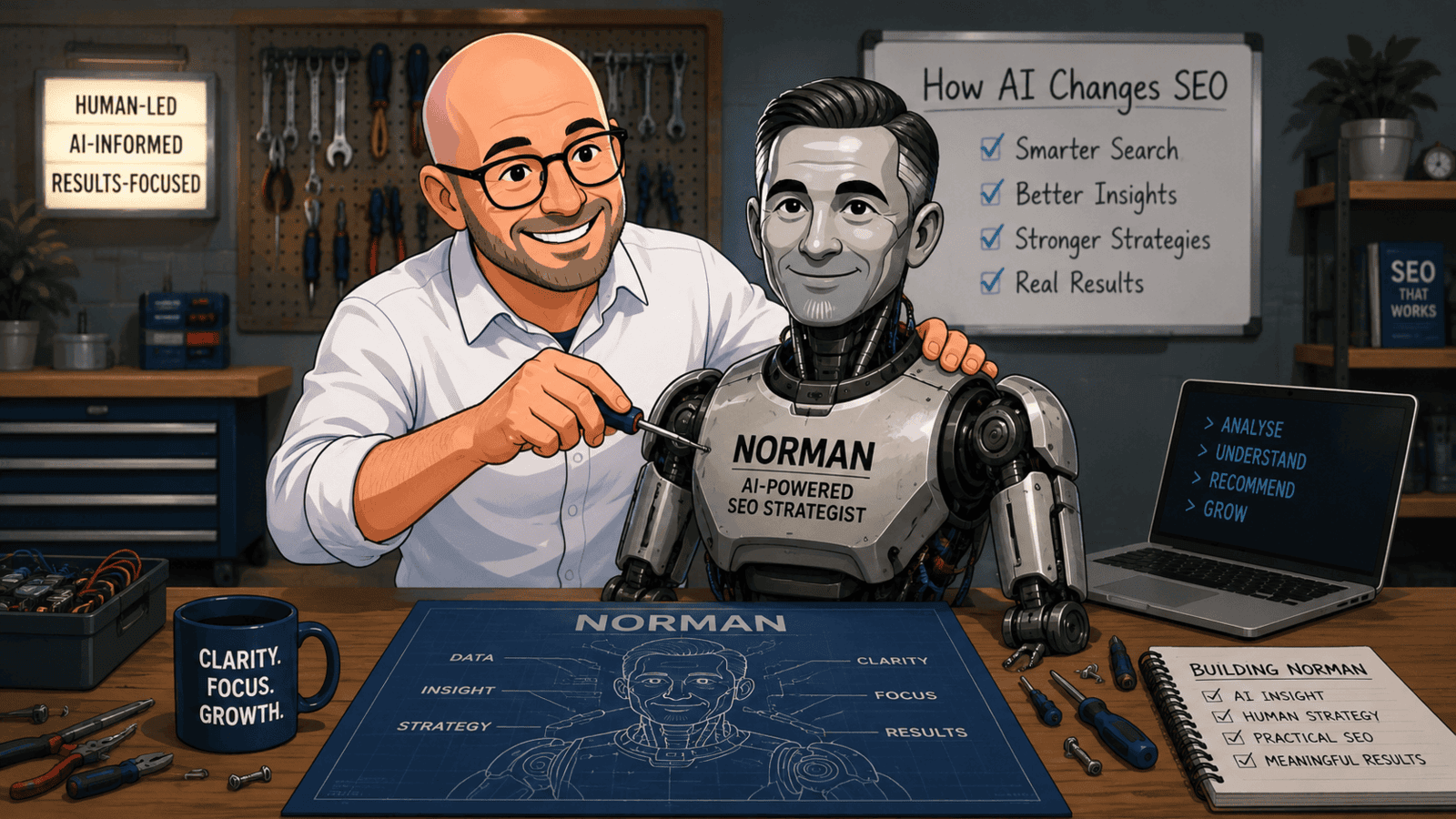
AI is not replacing SEO, but it is changing what search engines notice, understand, and reward. Google and other search platforms are getting better at reading intent, judging usefulness, and spotting whether a website actually helps people.
That means the old tricks are becoming less useful. Thin pages, vague service descriptions, missing image details, slow mobile pages, and inconsistent business information are easier to spot than ever.
The good news is that small businesses do not need to panic. They do need to be clearer, more useful, and a bit less casual about the basics.
What's inside? (TL;DR)
AI is changing how search engines understand your website, but the basics still matter.
This article explains where AI affects rankings, the common mistakes small businesses make, and how to make your website easier for search engines and customers to understand.
Useful Sections
Understanding AI Search Changes
Search engines now look beyond simple keywords to understand:
what your customers want when they search
how well your content answers their questions
whether your website gives them a good experience
whether your business information matches across different websites
how people interact with your pages
These changes affect how customers find local businesses online.
A Bedford café owner recently asked us why their “breakfast menu” page was not appearing in search results. The issue? Their menu items were images without proper descriptions.
Once we added text that search engines could read, their breakfast trade picked up within weeks.
Five Ways AI Affects Your Website Rankings
1. Image Recognition
Search engines can now understand images on your website more effectively.
Poor quality photos, missing descriptions, or irrelevant images can hurt your rankings. Add clear descriptions to every important image on your website.
Replace generic stock photos with real pictures of your business, products, or services whenever possible.
2. Natural Language Understanding
AI reads your content more like a human.
Writing about your services naturally works better than stuffing pages with keywords. Focus on answering customer questions clearly.
Break up text with subheadings and bullet points. Keep sentences short and direct.
3. Mobile Experience
AI checks how well your website works on phones.
Small text, difficult navigation, or slow-loading pages can reduce your rankings. Test your website on different mobile devices regularly.
Check that your contact forms work properly on phones. Make sure buttons are large enough to tap easily.
4. Business Information Consistency
AI cross-checks your business details across the internet.
Different addresses, phone numbers, or opening hours confuse search engines and customers. Keep your information consistent everywhere.
Update all online listings when something changes.
5. Customer Behaviour Analysis
AI looks at how visitors use your website.
If people quickly leave certain pages, your rankings may suffer. Create content that keeps visitors engaged and gives them the information they need.
Add prices where appropriate. Answer common questions before they are asked.
Common AI-Related SEO Mistakes
Many small businesses struggle with the same basic issues.
Content Problems
Using AI-generated content without editing
Copying competitor descriptions
Writing for search engines instead of customers
Publishing outdated information
Missing location details in content
Hiding prices or important details
Using technical jargon instead of plain English
Technical Issues
Slow-loading pages
Poor mobile display
Missing image descriptions
Broken links
Inconsistent business information
Hard-to-find contact information
Missing business hours
Making Your Website AI-Friendly
Start with these basic steps.
Update Your Content
review and update all business information
add your location to relevant pages
check opening hours are current
include clear service descriptions
add proper image descriptions
list prices where possible
answer common customer questions
Improve User Experience
test your website speed
make sure text is readable on phones
simplify your navigation menu
remove pop-ups that block content
keep contact information visible
add clear call-to-action buttons
include your location details
Monitor Performance
With tools like Google Analytics 4 and Search Console, you can:
track how visitors use your pages
see which searches find your website
check mobile vs desktop traffic
monitor your search rankings
measure website engagement
Tools That Help
The KickstartSEO Portal includes features that help you work with AI-powered search:
Content Checker: see how search engines view your pages
Keyword Analysis: find the right search terms for your business
SEO Recommendations: get clear guidance on improvements
Local Checker: verify business listings
Competitor Watch: monitor local rankings
Ranking Monitor: track your search positions
AI Content Helper: generate optimised content
Our Onsite Optimizer helps you make changes directly on your website, cutting your SEO work time by over 50%.
You will not need technical skills or website access. Just click and update.
The system connects with Google Analytics 4, Search Console, and Google Business Profile to give you a clearer picture of your online presence.
Can We Help?
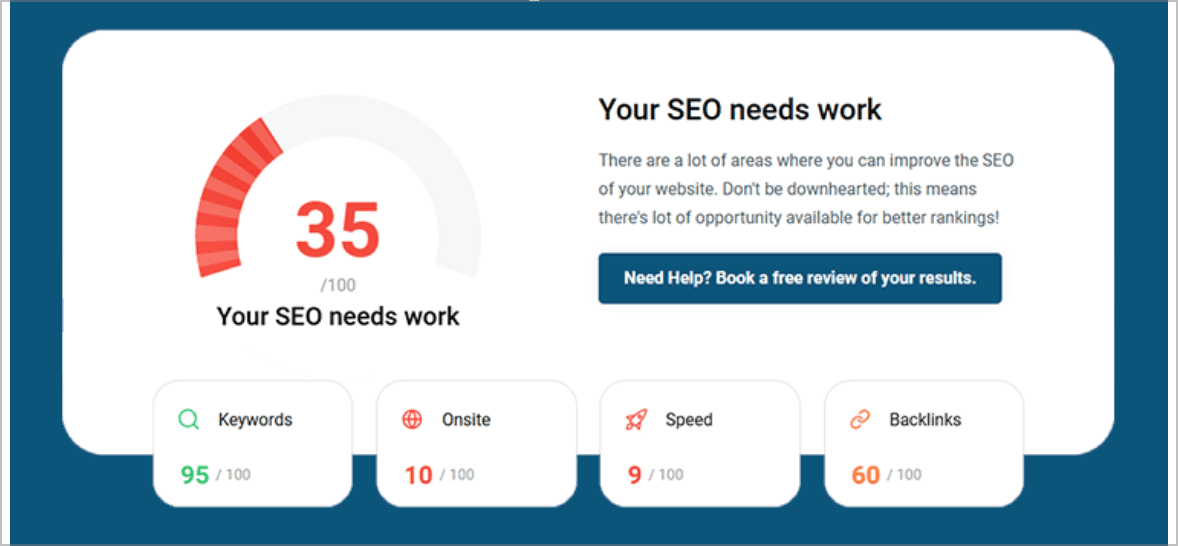
Many people end up on our blog because their SEO is not working the way they hoped, and they are trying to work out what to do next. Sound familiar?
If AI search has made your SEO feel even harder to understand, you are not alone.
The trick is not to chase every shiny new thing, but to get the foundations right so search engines, AI tools, and actual human beings can understand what you do and why it matters.