
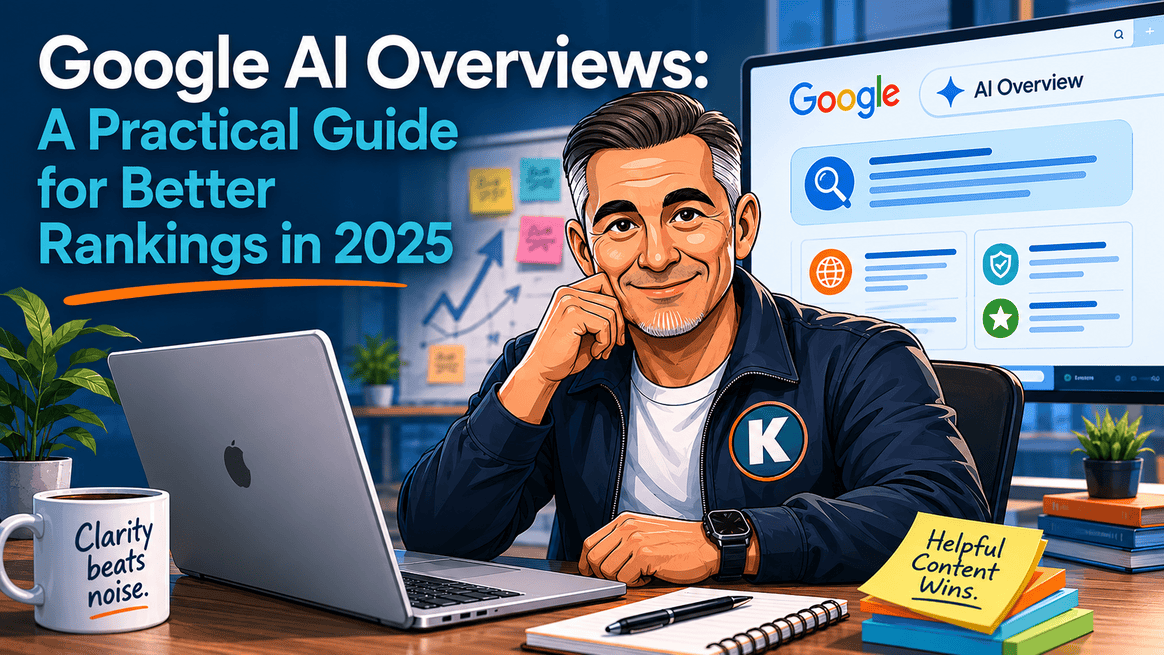
Google AI Overviews are changing how people see search results.
Instead of only showing the usual list of links, Google can now show an AI-generated summary at the top of the page. That summary may pull information from trusted websites, answer the searcher’s question directly, and influence which businesses get noticed first.
For small businesses, this is not a reason to panic. It is a reason to get clearer, more useful, and easier for Google to understand.
What's inside? (TL;DR)
Google AI Overviews are changing how search results are displayed, but the fundamentals still matter.
This article explains how clearer content, better structure, useful images, schema markup, and visible expertise can help your website become easier for Google to understand and trust.
Useful Sections
Estimated reading time: 3 Minutes
What Google AI Overviews Mean For You
When people search online now, they often see an AI-created summary before regular search results. This summary might include text from your website, images, product details, or answers to common questions.
Getting included in these summaries helps more people find your business.
Making Your Website Work With AI Overviews
SEO Basics Still Work
Good SEO practices help your website appear in AI Overviews. Keep your content helpful and original, update it regularly, and make sure it answers real customer questions.
Getting Into Google’s Knowledge Graph
Google’s Knowledge Graph needs to recognise your business as trustworthy.
Create clear About Us pages that explain what you do. Keep your contact details and business information up to date everywhere online. Add proper schema markup to your website to help Google understand your business better.
Writing Content That Gets Noticed
Write about specific problems and solutions your customers care about.
Put your main topic early in your page titles. AI Overviews often use this text in summaries. Blog posts, FAQs, and detailed guides can all work well with AI Overviews when they answer useful questions clearly.
Different content types serve different purposes. Product comparison guides help customers make choices. How-to articles show your expertise. Case studies prove your results. FAQ pages answer common questions directly. News updates show you stay current in your field.
Choose the right format based on what your customers need to know.
Using Images Effectively
Every important page needs a good featured image. AI Overviews may show these images in search results, so use real photos of your products or services where possible.
Optimise your images properly. Name files descriptively. Add alt text that explains what the image shows. Keep file sizes small for fast loading while maintaining quality. Use modern image formats where possible.
For products, show items from multiple angles. For services, before-and-after photos can work well when they genuinely help the reader understand the result.
Technical Setup
Add schema markup to your website. Think of it as giving Google a clearer map of your content.
Schema can help explain:
what your business does
who wrote each article
what products you sell
common customer questions
where you are located
Schema markup needs careful implementation. Product schema should include prices, availability, and reviews where relevant. Article schema should include author details and publication dates. Local business schema must match your contact details exactly. Organisation schema tells Google about your company structure. FAQ schema can help your answers appear more clearly in search results.
Showing Your Expertise
Share what makes you qualified in your field.
List certifications that matter to your customers. Include accurate results you have achieved. Have experts write or check your content and show their credentials where appropriate.
Creating Useful Content
Write clearly about things you know well.
Explain topics as you would to a customer in person. Break down complex ideas without oversimplifying them. Use real examples from your work where possible.
Getting The Technical Parts Right
Your website needs to:
work well on phones
use clear headings
link related content together
include proper schema markup
Checking Your Progress
Track several key areas to measure success.
Watch which pages appear in AI Overviews and how often. Check whether your featured images show up in the results. Monitor click-through rates from different types of searches. Look at how long visitors stay on your site after clicking through. Compare traffic before and after making changes.
Look at competitor results too. See what content types work well for them. Notice which images Google chooses to show. Study how they structure their pages. Learn from both their successes and their mistakes.
Use Google Search Console to track your progress. Watch for changes in impressions and clicks. Look for patterns in the queries that bring visitors. Check which pages perform best. Use this data to guide your improvements.
Next Steps
Start by checking your most important pages.
Update their content, add proper markup, and optimise their images. Then work on other pages over time.
AI Overviews will continue to change how people find businesses online. By making these improvements now, you can help more potential customers find your business through search.
Can We Help?
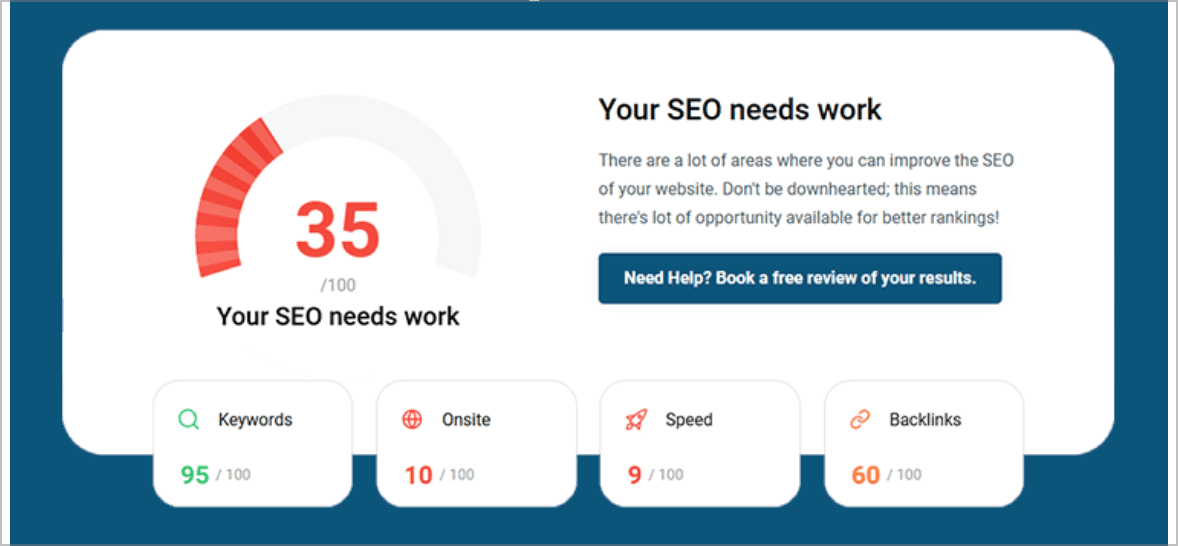
Many people end up on our blog because their SEO is not working the way they hoped, and they are trying to work out what to do next.
Sound familiar?
If AI Overviews are starting to feel like yet another moving target, the sensible answer is not to chase every shiny new trick.
It is to make sure your website is clear, well-structured, properly marked up, and genuinely useful to the people you want to reach. Google still needs good information to work with, so let’s give it something better than guesswork and crossed fingers.